An eligible credit card
Use a supported credit card issued by an Amwal partner bank.
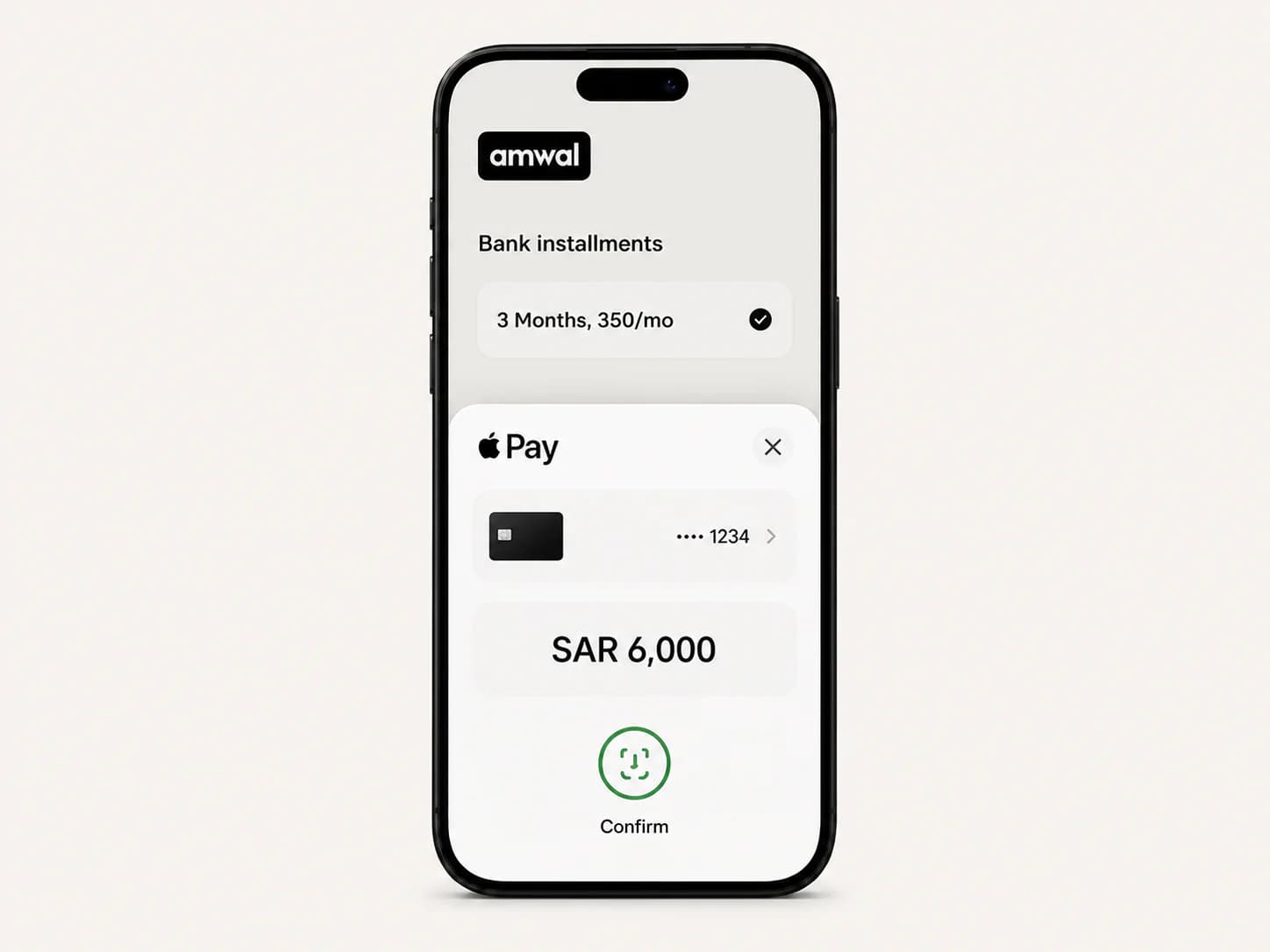
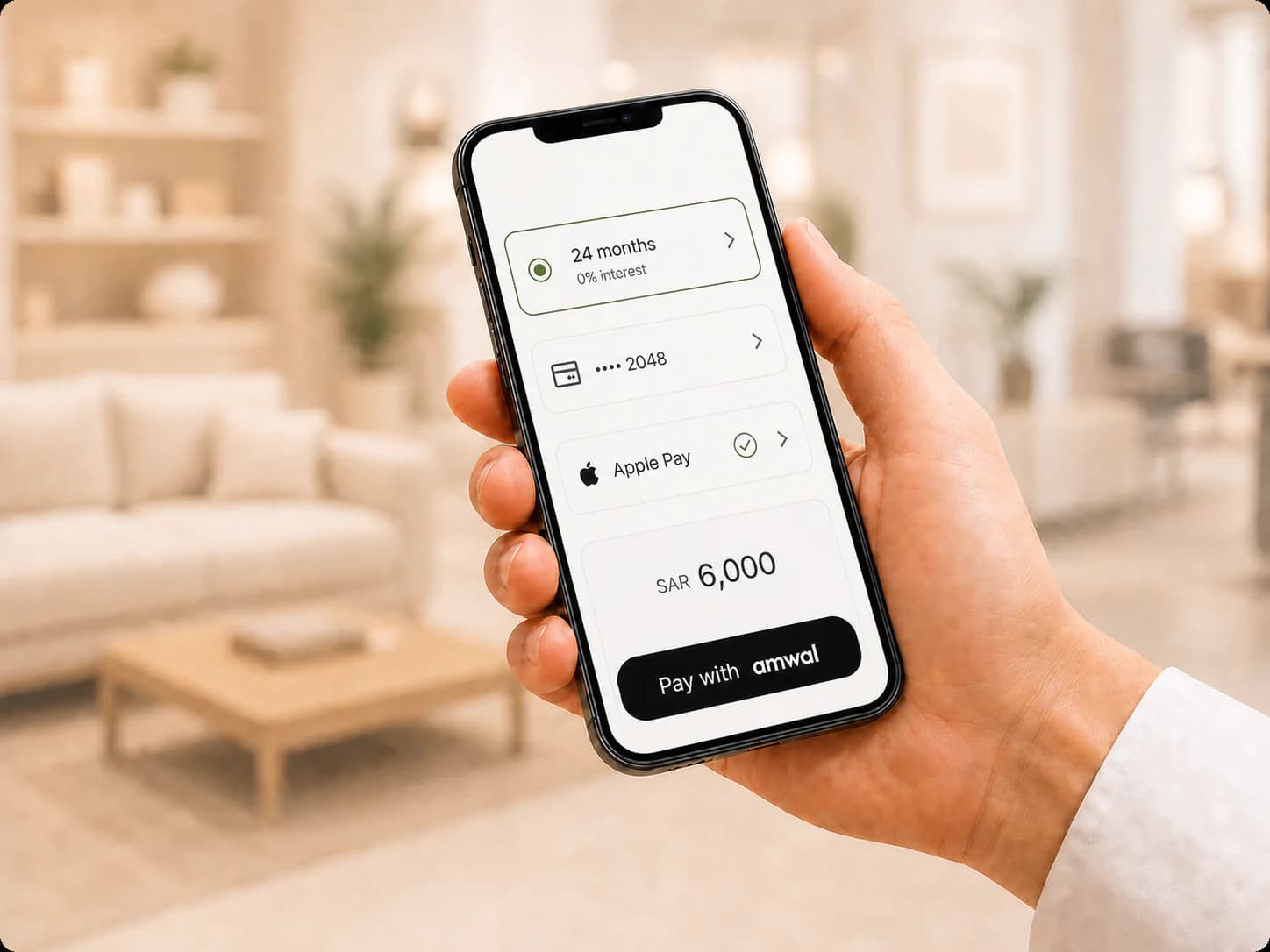
Choose an eligible bank installment plan with Amwal, then complete your payment securely with a credit card saved in Apple Pay.
Two simple ways to pay
The checkout journey is the same: select Amwal, choose your bank and plan, then authorize the payment with Apple Pay.
Online and in participating apps
Apple Pay appears when the merchant checkout, your Apple device, browser, bank, and selected card are supported.
Offline and in stores
You do not need to select the plan on the card terminal. The cashier starts the Amwal checkout and you finish securely on your phone.
Before you pay
Use a supported credit card issued by an Amwal partner bank.
Your available credit limit must cover the full purchase amount.
Apple Pay availability depends on your device, browser, card, bank, and merchant checkout.
Apple Pay itself does not set the installment terms. Your selected bank plan determines eligibility, duration, and any applicable fixed Murabaha fee. All details are shown before you confirm.
Apple Pay installment questions
Yes. Ask the cashier to start an Amwal bank-installment payment, then open the secure SMS link or scan the QR code and choose Apple Pay in the checkout.
Use a compatible Apple device with Apple Pay set up. Online Apple Pay is available through Safari on supported iPhone, iPad, and Mac devices. Availability in apps depends on the merchant integration.
Yes. You continue to receive the points, rewards, or miles offered by your selected credit card, subject to your bank’s terms.
Amwal installment plans carry zero interest. Most plans have no fees; for certain merchants or items, a fixed Murabaha fee may apply and will be displayed before confirmation.
Check your card, choose an eligible plan, and pay securely with Apple Pay through Amwal.
Check card eligibility